

Announcing Apple Business Connect Integration
Learn more →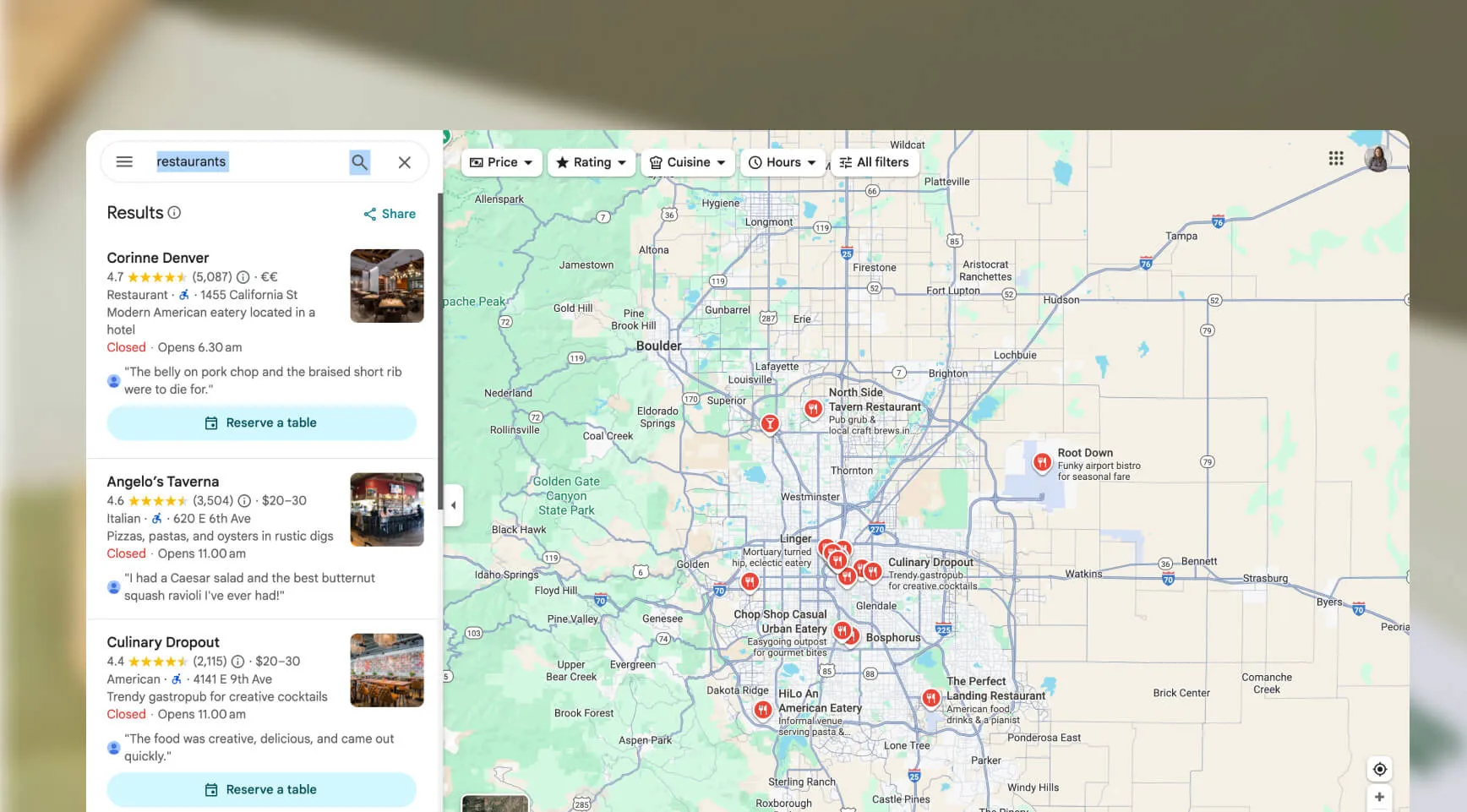
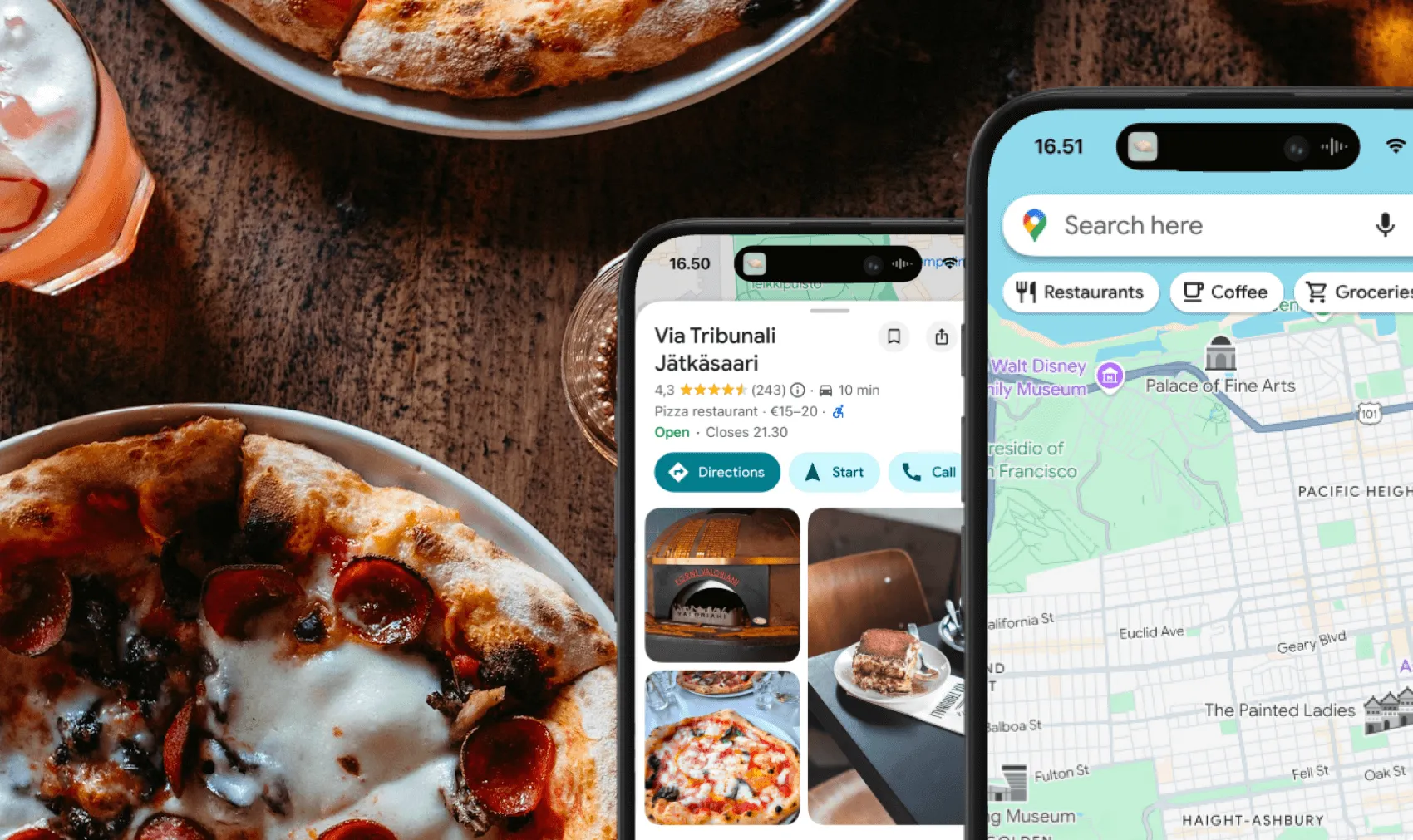
You know what’s frustrating for business owners? Pouring your heart into your business—only to find you’re invisible on Google Maps. You’re not alone. Every week, we hear from business owners who are baffled that their shop, café, clinic, or service just doesn’t show up when customers search.
Don’t worry: getting found on Google Maps doesn’t have to be a mystery. In fact, most issues are quick fixes once you know what to look for. We built this guide to walk you through the exact steps we use at Mobal to help thousands of businesses get discovered online.
If your business isn’t verified, Google won’t show it on Maps. Simple as that. Verification proves to Google (and your customers) that you’re legit.
How to fix it:
Pro tip: If you’ve moved or changed names, check for old or duplicate listings and claim them too.
Google wants to show accurate, up-to-date info. If your address, phone number, or business hours are missing or inconsistent, you might not show up.
Checklist:
Why it matters: Google cross-checks your info with other sites. Inconsistencies can hurt your visibility.
Just opened your doors? Sometimes it takes a few days—or even weeks—for Google to update its listings. If you’ve recently made changes, give it a little time.
What you can do:
If you serve customers at their location (think: plumbers, cleaners, mobile therapists), you might have set your business as a “service area.” Google still needs a real address for verification, even if you don’t want it public.
How to fix it:
Restaurants already trust Mobal to keep their listings accurate across Google and Apple. The website was the one part of their online presence still managed separately, with a different tool and a different login. Now it's part of the same system.
Every hour your site shows the wrong hours or an old menu is an hour a customer can be misled or turned away. And every evening spent editing a website is an evening away from the kitchen. Restaurant Websites removes both.
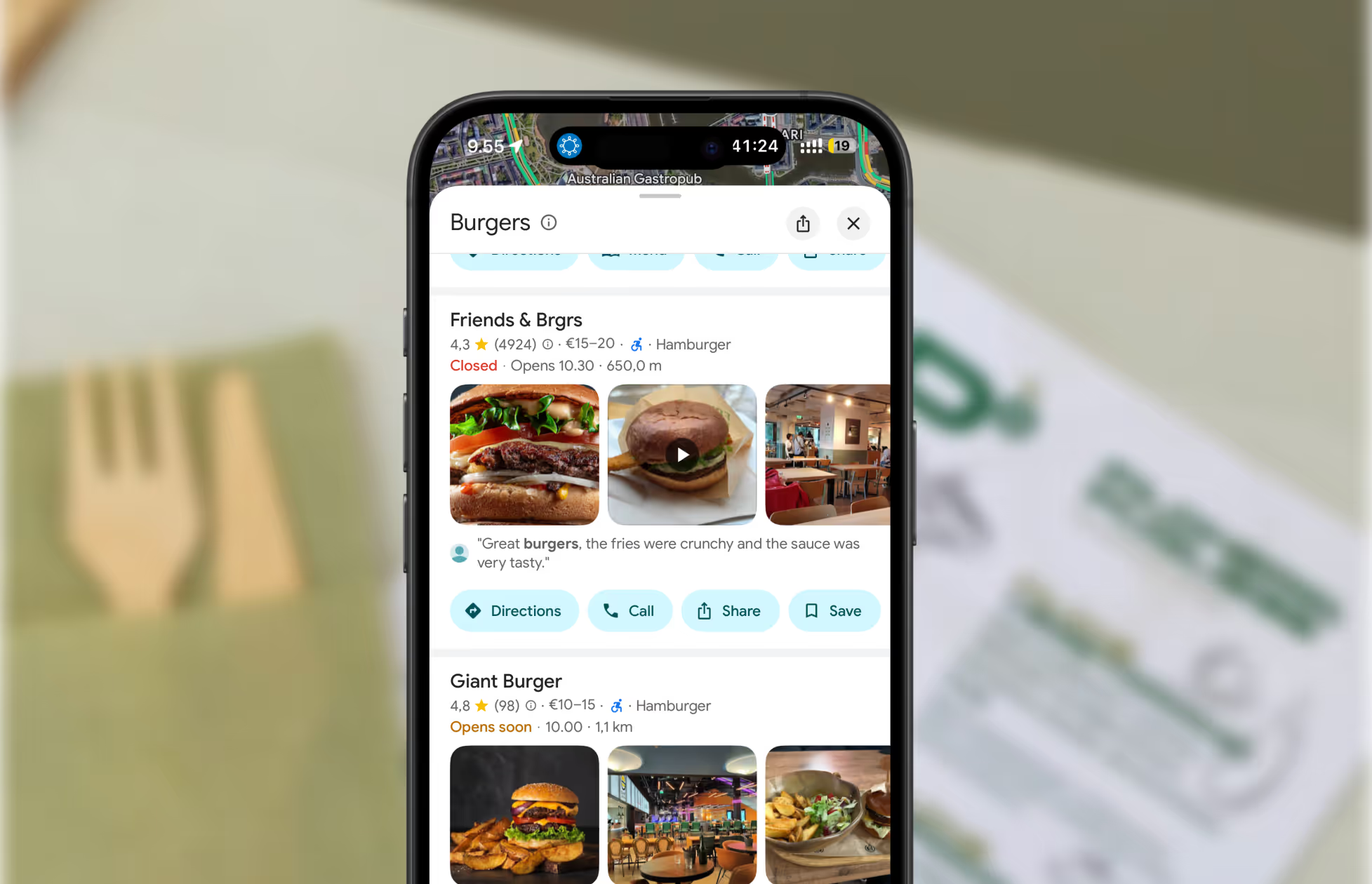
Customers can buy gift cards directly on the site and book a table through an added widget like TableOnline. An ordering button links out to your provider, such as Wolt. Your location details, menu, hours, and special hours stay in sync with your Google and Apple listings.
Choose from eight supported languages (English, Finnish, Swedish, Estonian, Russian, French, Spanish, and German) at launch and add translated versions of your site with a few clicks. More languages on request.
Restaurant Websites gives you a strong base built specifically for restaurants: the pages, layouts, and search foundations designed to help guests find and use your site. You can apply your own branding, colours, images, and pages on top.
Yes. You hand over your domain and keep it.
€29 per website per month, as an add-on. You can build and preview a site free in the demo before committing.


.webp)
.avif)



.webp)

.svg)
