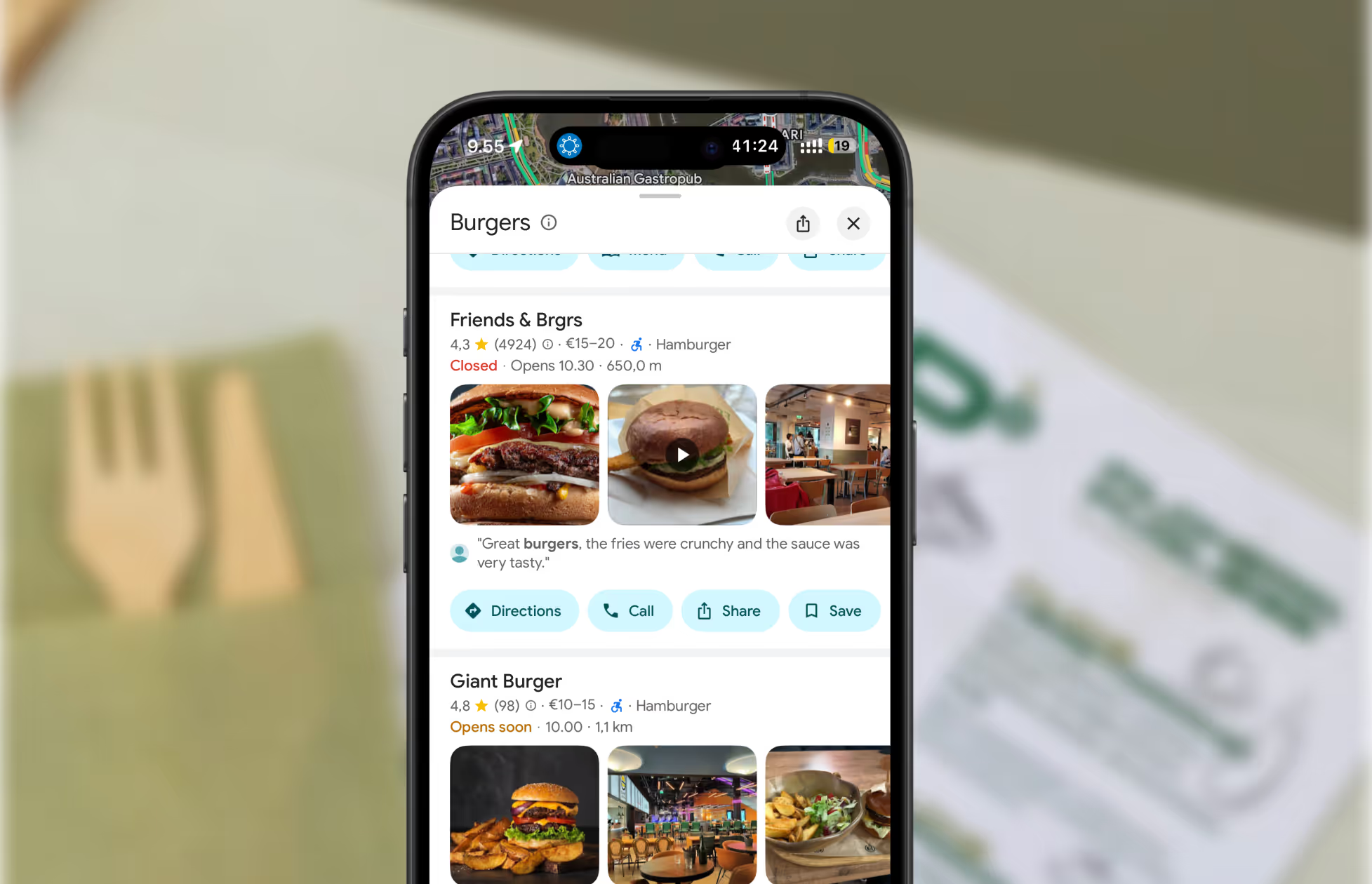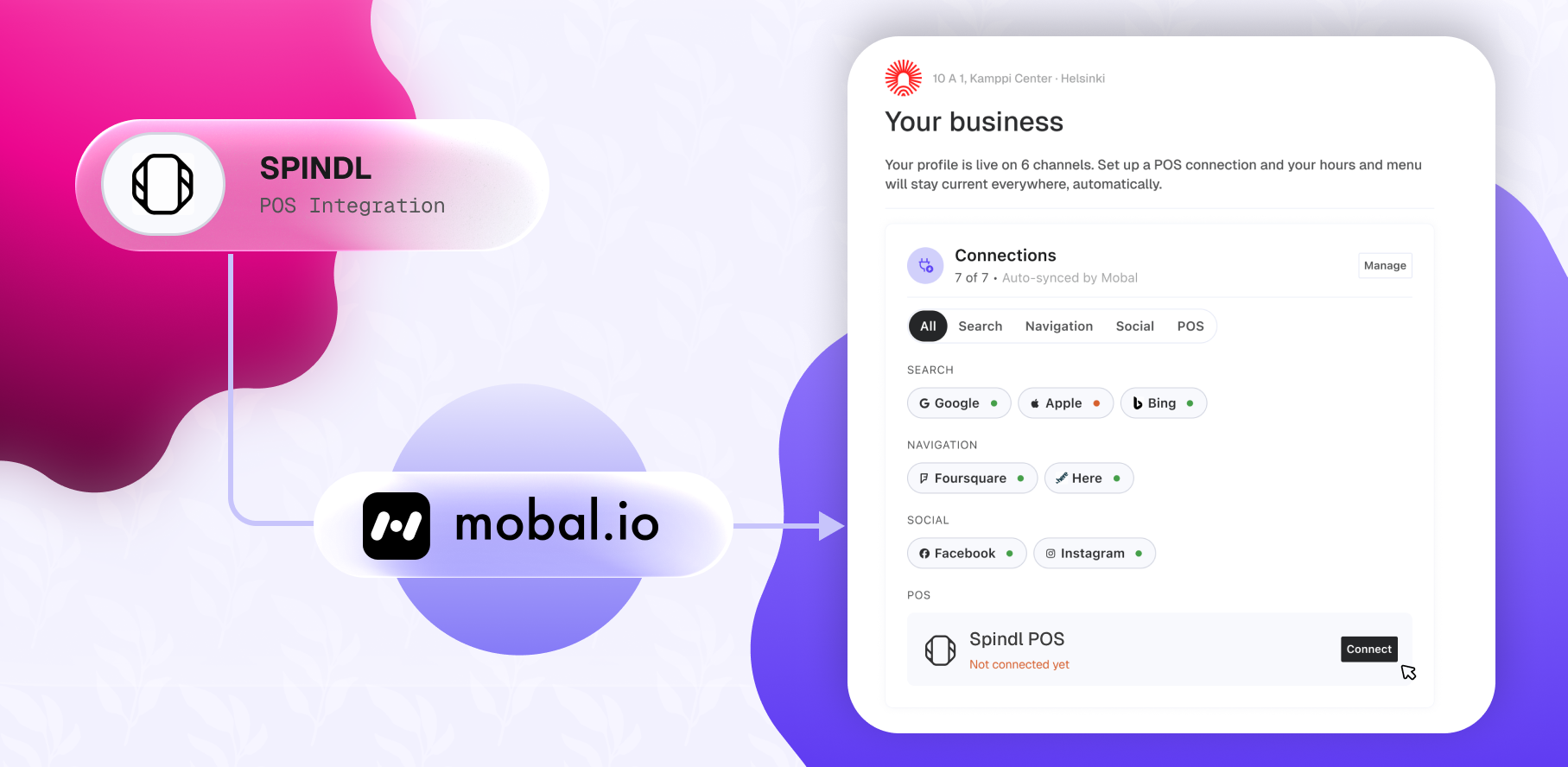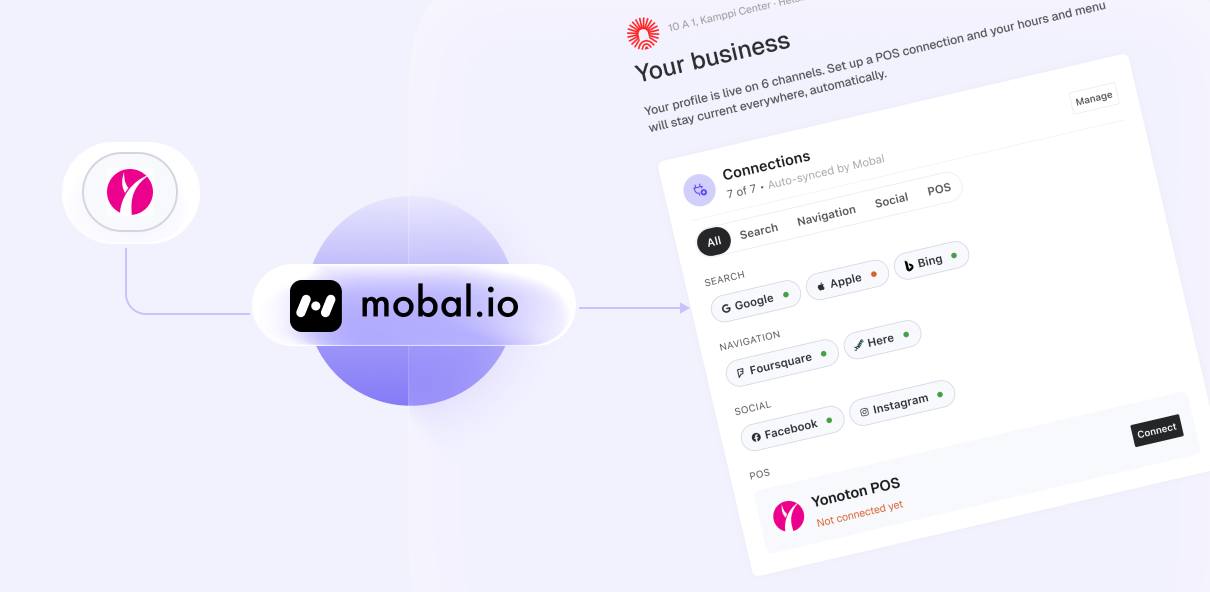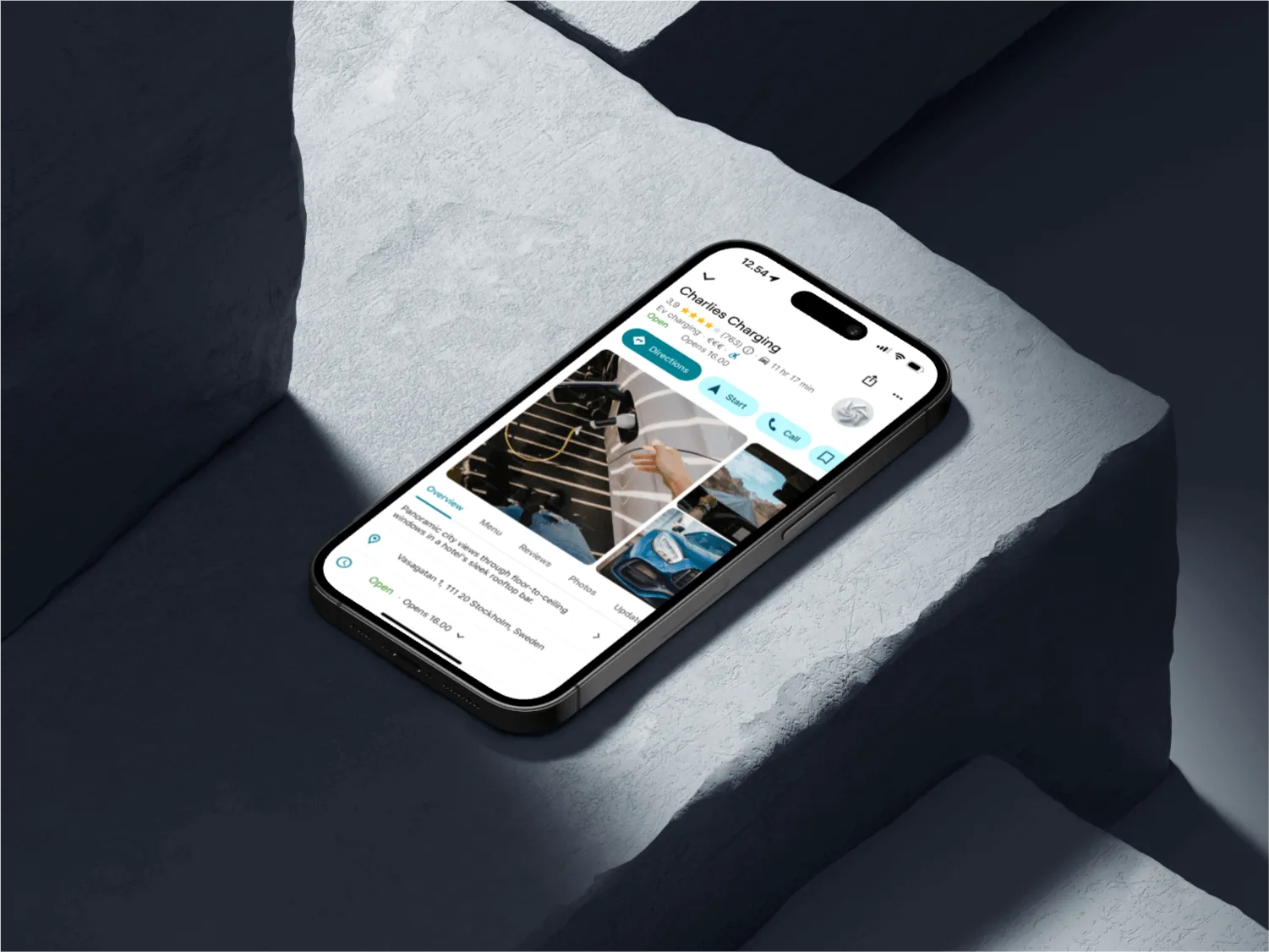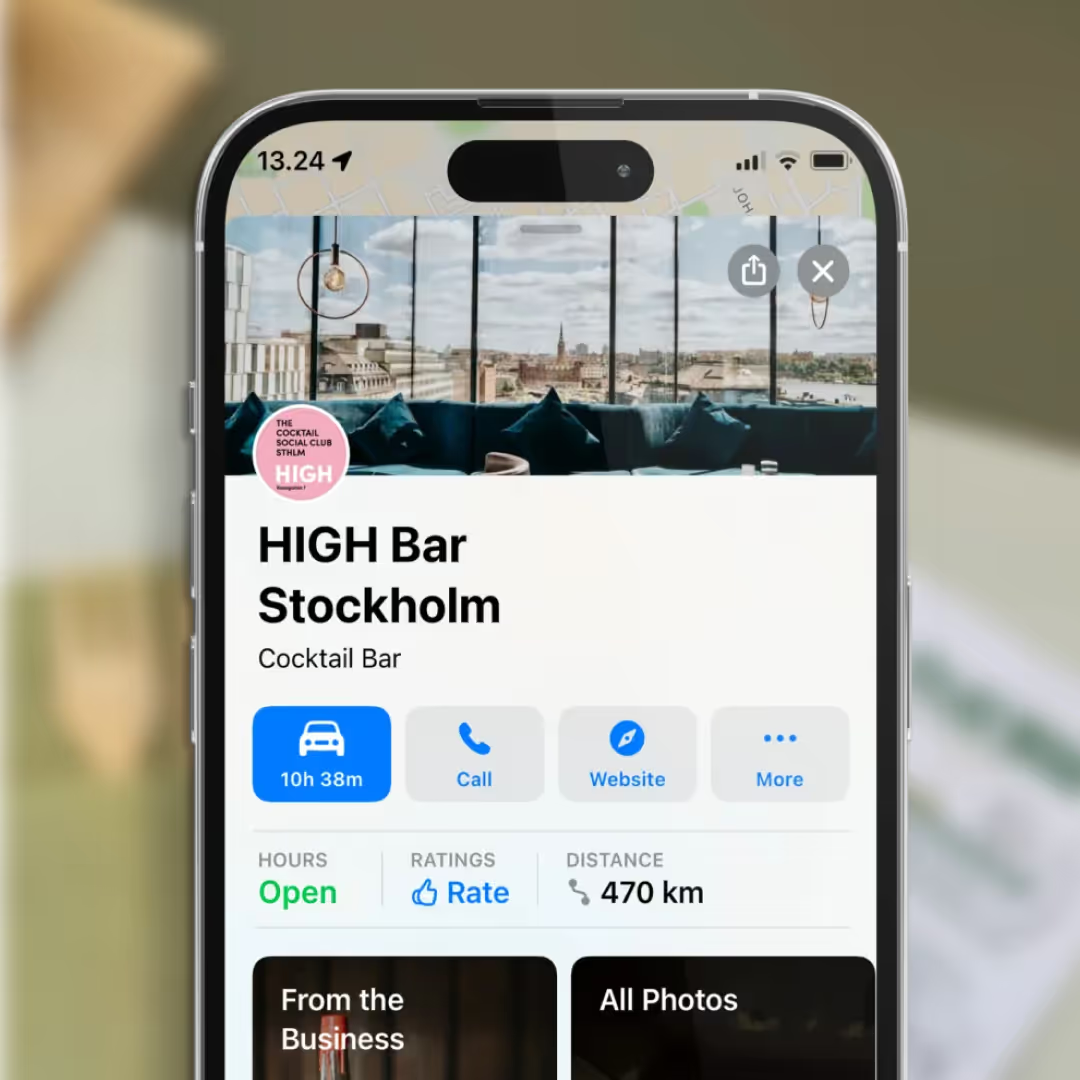
People don't browse the phone book anymore (remember those?). They pull out their phone, type "Italian restaurants near me," and boom — Google Maps shows them exactly what's open, what people are saying, and where to go. If your restaurant isn't claiming its spot on that map? You're invisible.
The good news? Claiming your restaurant on Google Maps takes about five minutes. And we're going to walk you through every single step. By the time you finish this article, you'll have a fully claimed and optimized Google Maps listing that actually drives customers through your door.
Let's do this.
Before we dive into the how, let's talk about the why. Because honestly, if you're still wondering whether Google Maps matters for your restaurant, we need to get you up to speed.
Here's the reality: 76% of people who search for a nearby restaurant on their phone visit that restaurant within 24 hours. Seventy-six percent. That's not a "nice to have" — that's your business.
Google Maps has completely changed how people find food. They don't ask friends for recommendations as much anymore (though they still do). They search. They read reviews. They check hours. They look at photos. They get directions with one tap. That entire experience happens on Google Maps.
And if your restaurant isn't there? They move on to the next one that is. Your competitor just claimed the customers you should have had.
Beyond just being visible, claiming your listing gives you superpowers:
An unclaimed listing is like leaving your front door locked while customers stand outside wondering if you're even open.
Here's the scary part: even if you don't claim your listing on Google, Google might create one for you anyway. Seriously.
Google pulls information from all kinds of sources — business directories, your website, review sites, social media. So someone might have already created a listing for your restaurant without your permission. And if you haven't claimed it, you can't control it.
That means:
Worse? Customers are already making decisions based on this bad information. You're losing business because of data you didn't even create.
Claiming your listing fixes all of this in minutes.
Alright, let's get to work. Follow these steps exactly, and you'll have your restaurant claimed and ready to go.
First things first — search for your restaurant on Google Maps.
Open Google Maps (or go to maps.google.com) and search for your restaurant name. Usually, your restaurant will show up. Click on it.
If you don't see your restaurant listed, don't panic. Scroll down and look for "Suggest an edit" or "Add your business." You'll go through a similar verification process, but you'll still end up owning your listing at the end.
Pro tip: Search exactly as customers would. Try "Your Restaurant Name [City]" to find the right listing if you have multiple locations.
Once you've found your restaurant on Google Maps, look at the listing. On the right side of the screen (on desktop), you should see a button that says "Claim this business" or "Manage this business."
On mobile? Click the three dots (⋮) at the top right of the listing and select "Claim this business."
Click it.
Google's going to ask you to sign in with a Google account. Use the email address you want associated with your business account. This is important — you'll use this email to manage your listing going forward.
If you don't have a Google account, you can create one in about 30 seconds. Just use your business email or your personal email. Either works.
Google will ask you to confirm what type of business you are. Select "Restaurant" (or whichever category applies — "Bar," "Cafe," etc.).
This seems simple, but it's important. Selecting the right category helps Google show your business to the right people searching for the right things.
Here's where Google makes sure you actually own this restaurant (not just some random person claiming it). They'll ask you to verify your business in one of several ways:
Option A: Phone Verification
Google calls or texts you a code. You enter the code. You're done. This is the fastest way — usually takes about 5 minutes.
Option B: Postcard Verification
Google mails you a postcard with a verification code. You wait about 5-10 business days for it to arrive, then enter the code. This is slower, but it works.
Option C: Email Verification
If you own the domain associated with your restaurant's website, Google might let you verify via email. Super fast if you have access to that email.
Our recommendation: Go with phone verification if it's available. It's instant, and you'll be set up and running immediately.
Once verified, Google will show you your business information. Double-check everything:
Update anything that's wrong. This is your chance to make sure customers have accurate information.
Photos are huge. Like, really huge.
Most people make a decision about whether to visit your restaurant based on photos before they even call you. So add good ones.
Aim for at least 10-15 photos to start. Google will also display photos from customers who've visited, but you want your own professional ones front and center.
You get 750 characters to tell people about your restaurant. Use them.
Don't just say "Italian restaurant." Tell them what makes you different. What's your vibe? What are customers coming for? Are you family-friendly? Romantic? Known for your pizza? High-end? Casual?
Example: "Family-owned Italian restaurant serving authentic pasta and wood-fired pizza since 1995. We source local ingredients and make everything from scratch. Come hungry, leave happy."
Keep it real, keep it conversational. No corporate speak. Remember — this is Mobal voice. Be bold, be clear, be human.
Google Maps lets you post updates directly to your listing. Use this feature to:
Posts stay live for 7 days. Think of it as a free marketing tool sitting right there in your Google listing.
Claiming your listing is just the beginning. Here's what you need to do to actually get results:
Respond to Reviews: Good or bad. Thank people for positive reviews. Address concerns in negative ones professionally. Respond time usually takes 24-48 hours.
Keep Information Updated: Hours change? Menu updates? Specials? Update your listing. Google rewards accurate, fresh information.
Encourage Reviews: Ask customers to leave reviews. More reviews = higher visibility. Include a link to your Google Maps page on receipts, business cards, or your website.
Post Regularly: Use the Posts feature at least once a week. Keep customers engaged and show Google your listing is active.
Monitor Insights: Google gives you data about how people are finding and interacting with your listing. Check it monthly. Are they calling you? Getting directions? Which photos are getting the most views?
Your restaurant on Google Maps isn't just another listing — it's a 24/7 salesman working for you. It's open when you're closed. It's answering questions at midnight. It's showing hungry customers exactly where you are and why they should come visit.
And claiming it? Takes five minutes.
The hardest part is usually just deciding to do it. But once you do, you'll start seeing customers who found you on Google Maps. You'll respond to your first review. You'll post your first special. And you'll realize how much business you were leaving on the table before.
So here's your call to action: Stop reading. Go claim your restaurant right now. Seriously. Five minutes. Then come back and thank us when you see the difference it makes.
Ready to claim your restaurant? The customers are waiting. Your map presence starts now.