

Apple Business Connecti integreerimise väljakuulutamine
Lisateave →
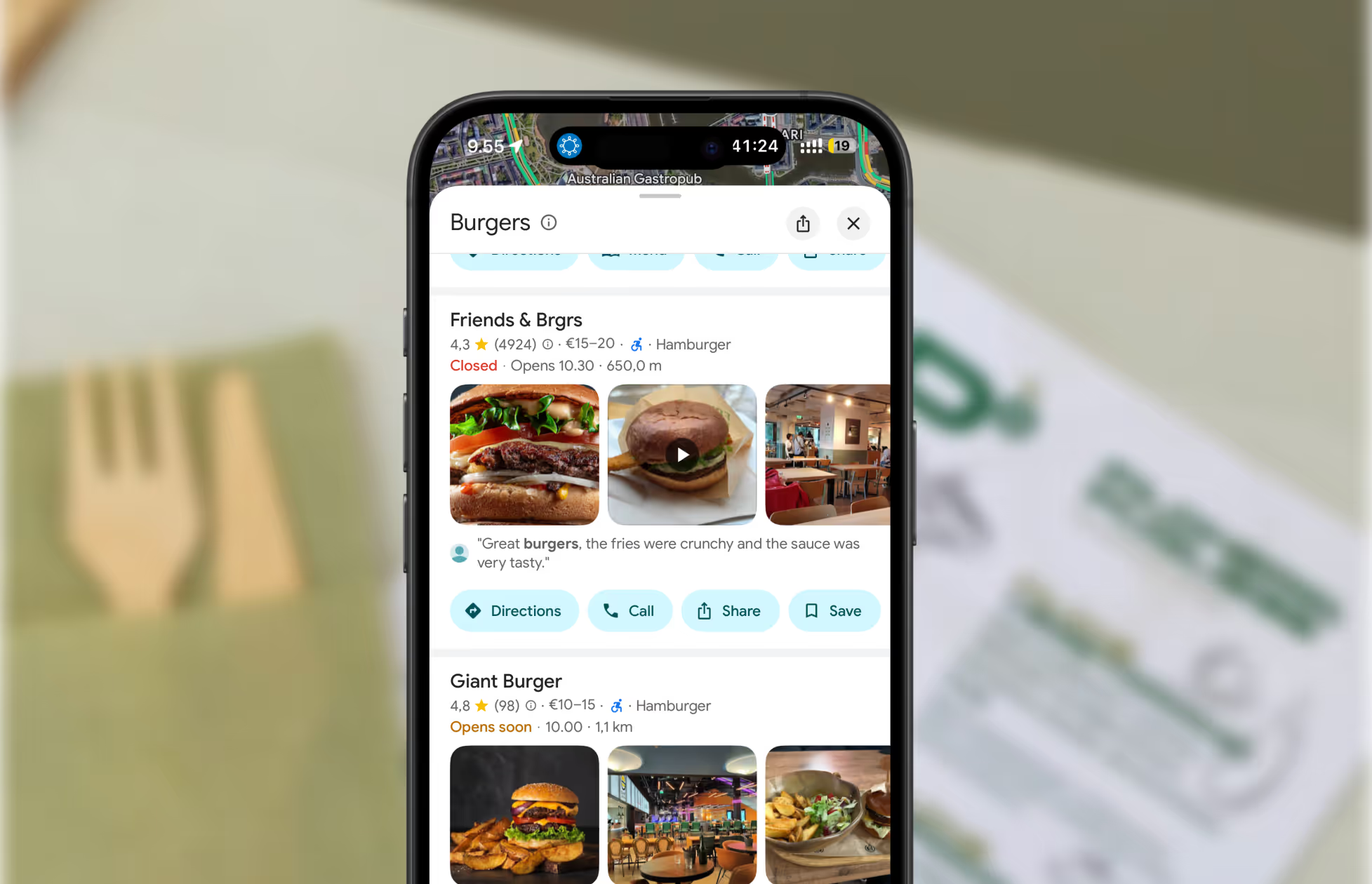
If Google keeps changing your opening hours, you’re not alone—here’s how to take back control and make sure customers always see the right info.
Accurate business hours are essential for attracting customers and building trust. But if you’ve noticed your opening hours on Google changing without your input, you’re not imagining things. Here’s why it happens, and what you can do about it.
1. User-Generated Edits
Anyone can suggest edits to your business info on Google. If enough users submit changes—or if you’re not actively managing your profile—Google may update your hours automatically.
Pro tip: With Mobal, you get notified of suggested edits and can approve or reject them instantly, all in one place.
2. Google Algorithm Updates
Google’s algorithms are always evolving to provide the most accurate info. Sometimes, these updates change how your hours are displayed, especially if your profile isn’t actively managed.
Pro tip: Mobal keeps you ahead of changes by syncing your hours across every platform, so you’re always up to date.
3. Seasonal Variations
Google may adjust your displayed hours based on seasonal trends or historical data—think summer hours or holiday closures.
Pro tip: Update your hours in advance for holidays or seasonal changes with Mobal’s bulk update tools.
4. Data Aggregators & Third-Party Sources
Google pulls info from across the web. If your hours are outdated on other directories, Google might update your profile based on that data.
Pro tip: Mobal ensures your business info is consistent everywhere—Google, Apple Maps, Facebook, Bing, and more.
5. Business Verification Status
If your business becomes unverified, Google may rely on external sources or user edits, leading to unexpected changes.
Pro tip: Mobal alerts you to verification issues so you can resolve them before they impact your listings.
6. User Reports & Feedback
Customers can report incorrect hours. If multiple reports come in, Google may update your hours based on their feedback.
Pro tip: Monitor reviews and feedback for mentions of incorrect hours and respond quickly—Mobal makes it easy to track and reply from one dashboard.
7. Inactivity on Your Profile
If you don’t actively manage your Google Business Profile, Google will rely more on external data and user suggestions.
Pro tip: Log in to Mobal regularly and keep your info up to date everywhere with just a few clicks.
Restaurants already trust Mobal to keep their listings accurate across Google and Apple. The website was the one part of their online presence still managed separately, with a different tool and a different login. Now it's part of the same system.
Every hour your site shows the wrong hours or an old menu is an hour a customer can be misled or turned away. And every evening spent editing a website is an evening away from the kitchen. Restaurant Websites removes both.
Customers can buy gift cards directly on the site and book a table through an added widget like TableOnline. An ordering button links out to your provider, such as Wolt. Your location details, menu, hours, and special hours stay in sync with your Google and Apple listings.
Choose from eight supported languages (English, Finnish, Swedish, Estonian, Russian, French, Spanish, and German) at launch and add translated versions of your site with a few clicks. More languages on request.
Restaurant Websites gives you a strong base built specifically for restaurants: the pages, layouts, and search foundations designed to help guests find and use your site. You can apply your own branding, colours, images, and pages on top.
Yes. You hand over your domain and keep it.
€29 per website per month, as an add-on. You can build and preview a site free in the demo before committing.

.webp)
.avif)




.webp)

.svg)
